Welcome to Drop Authenticator
Made by the Netherlands’ top app developers at Pixplicity / DROP TABLE Companies, this app generates single-use password codes that you use in combination with a regular username and password. Much like other well known authenticator apps that shan't be named (and fully compatible!) it works with many online accounts and even without a data connection, but with many, many improvements:
Using this app you can finally back-up your accounts to your favourite cloud, transfer them to a new phone without hiccups, or even share them with your partner.
Only with Drop Authenticator, you..
• ... will never again have to reset TFA on all your accounts when you buy a new phone.
• ... won’t have to trust our cloud with your accounts (since we don’t have a cloud and we don’t store your accounts).
• ... won’t have to trust other cloud providers with your accounts (since we encrypt your back-up using strong AES 256-bit encryption).
 Mathijs Lagerberg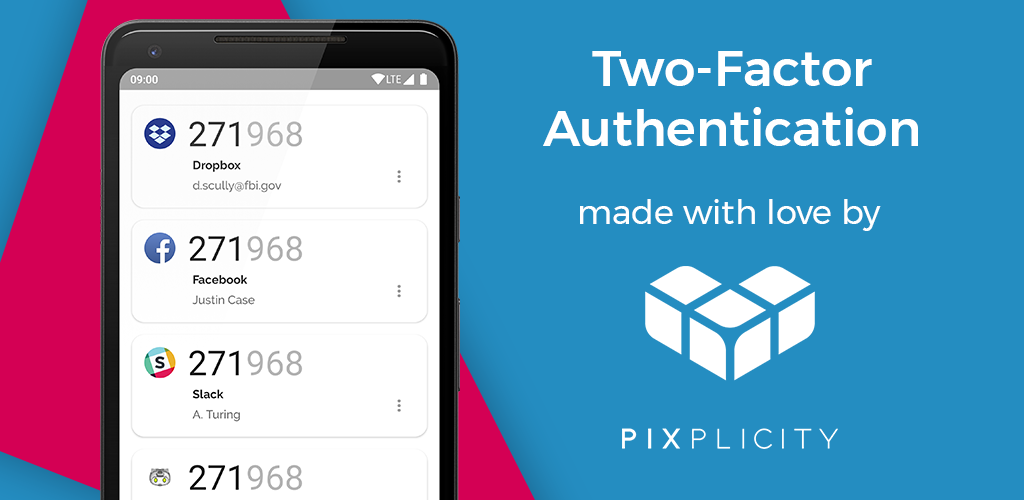
Novelty features include:
• Dark theme support
• Recognise accounts by their app icons
• Copy one-time passcodes to clipboard
• Back-up and restore your accounts
• Share accounts by scanning a QR code
• Authorise using your fingerprint before sharing or creating back-ups
• Encrypted account storage
• Security audited by Berkeley
• Security: this app doesn't even request internet permission, and is utterly unable to secretly send your stuff to some shady servers.
SUPPORT
To learn how to use 2FA using this app, or in general, please read our instruction pages and instruction videos:
- Why trust this app?
- What is 2FA or two-factor authentication?
- How to backup codes and why
- How to restore your backups
- How to set up 2Fa codes
- How to set up 2FA on popular websites
- How to use Drop Authenticator
- How to share 2FA codes with someone
- How to stop using 2FA
To troubleshoot your codes, please see our troubleshooting pages: